
Barrierefreie Websites erstellen: 10 Tipps für die Tastaturbedienbarkeit
In diesem Leitfaden beschreiben wir die zehn wichtigsten Punkte für die technische Umsetzung und bieten Web-Entwicklern und -Verantwortlichen eine Richtlinie mit Bezug zu den WCAG-Kriterien.
How do accessibility tools differ in the 2026 comparison?
A comparison of accessibility tools in 2026: Which tool truly complies with WCAG 2.2 and BITV – and is it worth it for agencies?
What accessibility requirements apply to tooltips and overlays?

WCAG 2.2 sets out clear requirements for tooltips and overlays – avoid common mistakes and ensure accessibility.
What are the most common errors with ARIA labels on websites?

ARIA errors jeopardise accessibility – identify the most common pitfalls and rectify them systematically.
What does a WCAG contrast checker test for in text elements?
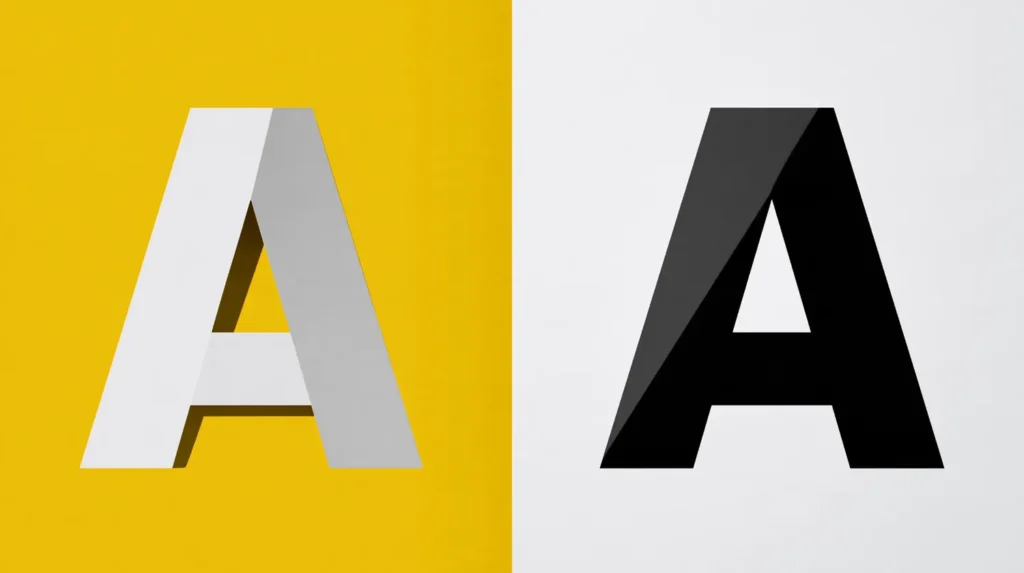
The WCAG Contrast Checker checks contrast ratios – here’s how the calculation works and how to rectify issues with text elements.
How can you identify accessibility issues relating to font sizes and zoom?
Checking font sizes and zoom functionality for accessibility: an overview of WCAG requirements, common errors and the best tools.
What are common WCAG errors in tables on websites?

Missing header cells, no caption element, incorrect scope attributes – the most common WCAG table errors and how to fix them.
How do you test a website for cognitive accessibility?

Identifying and removing cognitive barriers: A practical guide to manual testing, WCAG criteria and automated scans for greater accessibility.
How to check websites for keyboard accessibility

The most common and most serious accessibility problem that websites have is the lack of keyboard operability – a website must be accessible without a mouse and only with the keyboard. A test by Aktion Mensch shows how widespread this gap is: 71 online stores were examined, but only 15 of them could be operated […]